
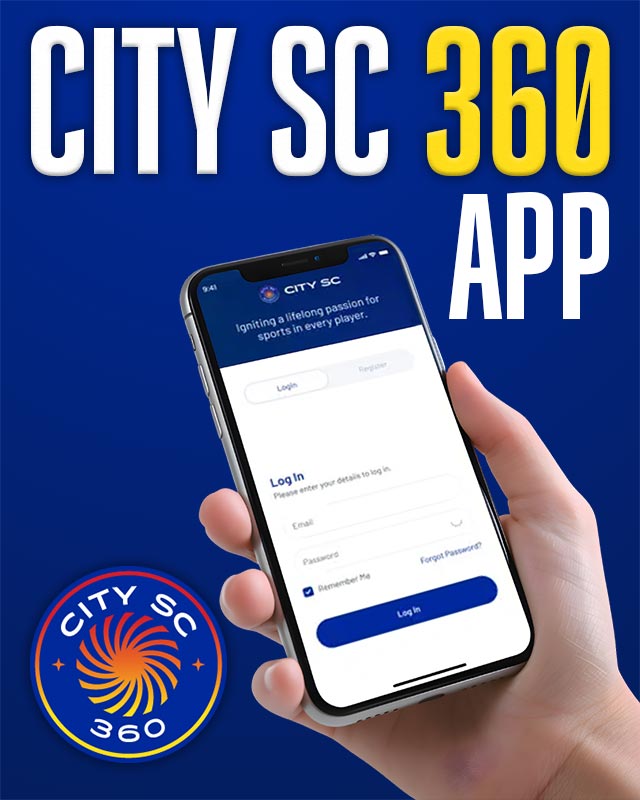
 Introducing City SC 360: The Official Scheduling and Communication Tool for City SC!
We’re excited to introduce City SC 360, City SC’s official club and team scheduling and communication platform. City SC 360 will be your central platform for managing player accounts and everything team-related, making it easy for players, parents, coaches, and managers to stay connected throughout the season.
Getting Started
Once you have completed your player’s online registration for the season, you are ready to begin using City SC 360. Follow these steps to get started:
1. Download the App
- After completing registration online, download the City SC 360 app from the Apple App Store or Google Play Store
2. Log In to the App
- Use the same login credentials you created during registration to access the app
- If you used the platform in a prior season, simply log in using your existing account
3. Add Guardians
- Add and invite guardians to your player’s profile
- The guardian who completed the online registration is the default contact on City SC 360. You can add as many additional guardians as needed
- Click here for a detailed step-by-step explanation on how to add/edit a guardian
Important Reminders for Parents
- Parents must complete player registration on the web before they can access team information on the City SC 360 App.
- Players will not populate on team rosters or chats in the app until their season registration is complete. Once registered, parents will be able to view:
- Team schedules
- Team chats
- Rosters and contact information
- Club communications
- Player accounts
- Fan Wear Store (Fan Gear can be purchased directly on the App)
Key Features
- Team Schedules, Events & Availability
Access your team’s full schedule including games, practices, and events, and mark your player’s availability. Sync directly to your Google or Apple Calendar, and get directions to venues with one tap. - Team Messaging & Communication
Stay connected with your team through built-in messaging. Coaches, managers, and parents can communicate through team chats and direct messages. - Rosters & Contact Information
View team rosters and contact details for coaches, managers, and team members. - Player & Family Profiles
Families with multiple players can manage all player information in one account, including contact details, guardian information and registration payments.
Web Access
Access your player’s account details on the web version of City SC 360 at: https://carlsbad.wearecitysc.com/login
Log in to your account using the same credentials you use for City SC 360.
Technical Support
If you need help getting started or have questions about using the app, visit the City SC 360 Help Center: https://360help.wearecitysc.com/
If you experience any technical issues during setup or while using the app, please contact: [email protected]